

Network Drive
Mount your HPC job directory as a network drive on your local computer via SMB.
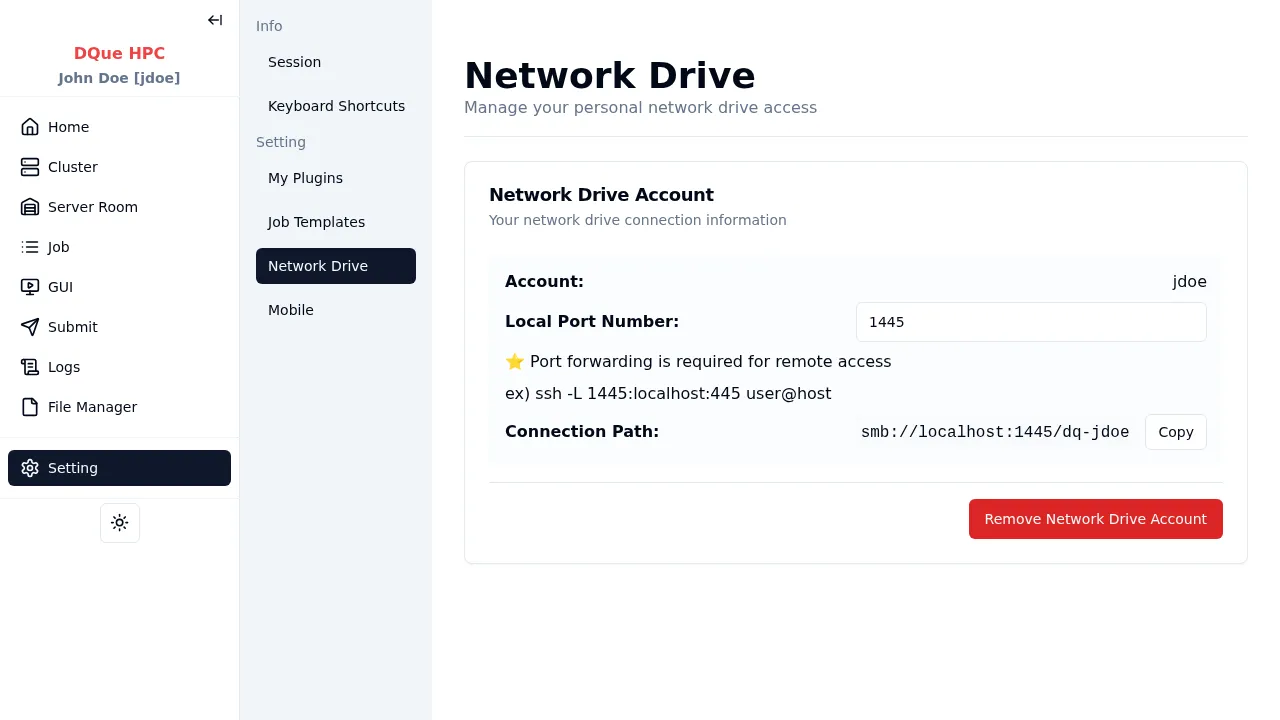
- Set a network drive password and click Create Account.
- A connection path is generated (e.g.,
smb://server/dq-jdoe). - Use your OS file manager to connect:
- macOS: Finder > Go > Connect to Server (
Cmd+K) > paste the path. - Windows: File Explorer address bar > paste the UNC path (e.g.,
\\server\dq-jdoe). - Linux: File manager > Connect to Server > paste the SMB path.
- macOS: Finder > Go > Connect to Server (
- Enter your username and the password you set.
Access Control
Section titled “Access Control”When not on localhost, you can restrict access to specific IP addresses.
Removal
Section titled “Removal”Click Remove Network Drive Account to delete the SMB account and share.