

Getting Started
Navigate to your DQue instance URL to access the login page.
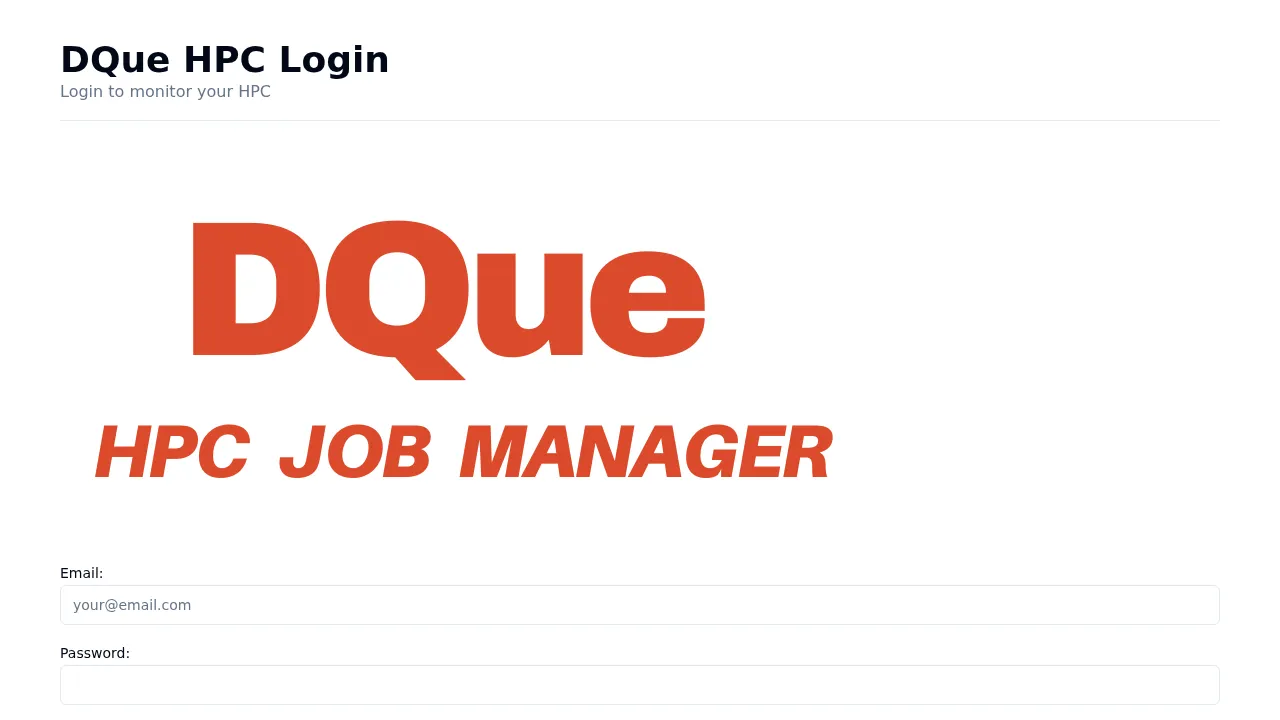
- Enter your Email and Password.
- Optionally check Remember me to persist your session.
- Click Login.
On success you are redirected to the Cluster Monitor page. If the system license is expired or expiring, an alert banner is shown above the form.
Registration
Section titled “Registration”If you do not have an account, click the Register link below the login form. Fill in your name, email, and password to create an account. Your admin may need to approve the account before you can submit jobs.