

Job Templates
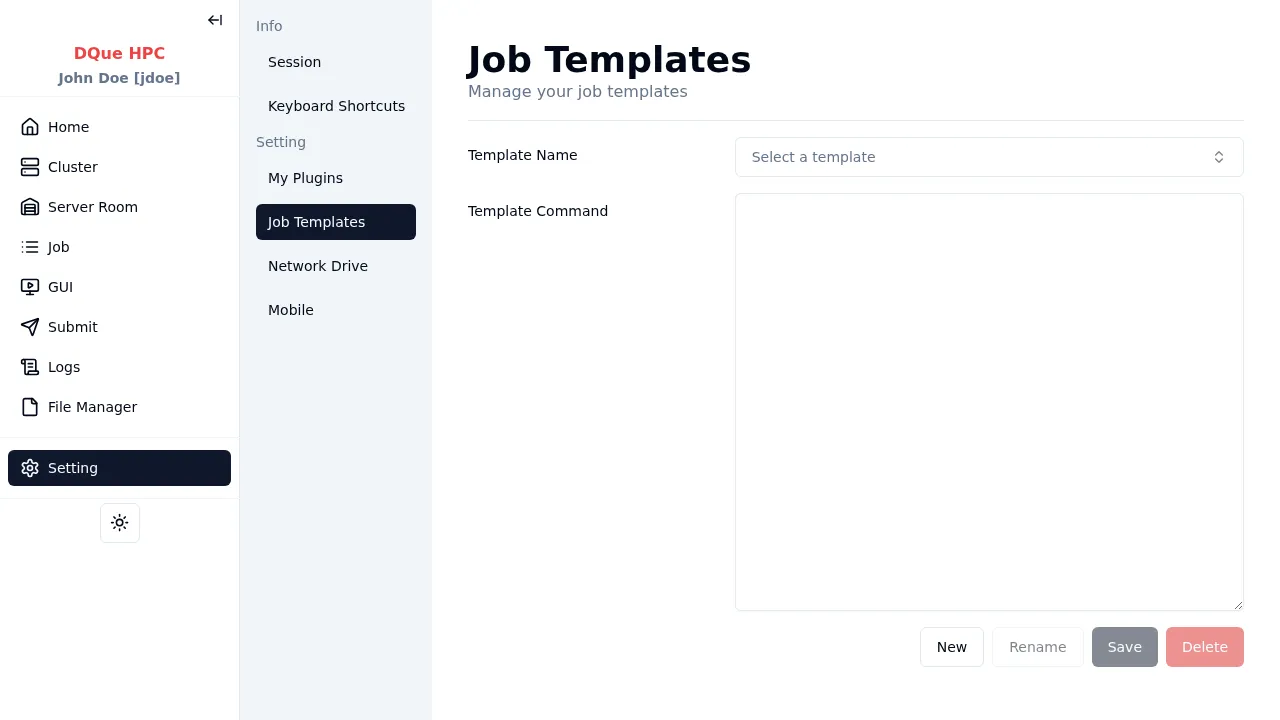
Job templates save and restore job submission parameters for reuse.
- On a job submission page, fill in your desired command.
- Click the template button next to the Command field.
- In the Template dialog, click New to save the current command as a named template.
- Later, select a saved template to pre-fill the command field.
Templates are available on the General, OpenFOAM, and Conda submission pages. They are stored per-user and persist across sessions.
Templates can be renamed and deleted from this settings page.